Knowledge Hub
A repeatable and lean framework for building valuable products, with proven guides and best practices across product, design, and engineering.
Testing determines whether bugs reach users or get caught in development. The difference shows up in production incident rates and whether teams ship confidently or hold their breath during deployments.
Quality assurance standards ensure bugs are caught systematically before users encounter them. The old adage, "Work smarter, not harder," also applies to testing. Maybe especially so. And the distinction matters more than most teams realize, because doubling your testing effort with the wrong approach just doubles the time you waste without improving outcomes.
Key Takeaways
QA is a discipline embedded in the development process, not a gate tacked onto the end of the sprint. When testing only happens after engineering says "it's done," you're catching problems at the most expensive possible time.
Bug severity classification isn't optional. Without it, every bug feels urgent, the team can't prioritize, and critical issues compete for attention with cosmetic nitpicks. Clear severity levels mean the right bugs get fixed first.
Automated testing covers regressions and critical paths. Manual testing covers everything automation misses: exploratory testing, usability issues, and edge cases that nobody thought to write a test for. You need both.
The biggest QA failure is building a process that can't systematically catch bugs, one with no test plans, no coverage requirements, no severity classification, and no consistent reporting. Individual missed bugs are inevitable. A process that misses them routinely is a standards problem.
Why QA Standards Prevent Production Disasters
Poor QA creates predictable failures:
The five QA failures that damage reliability
Critical bugs in production: High-severity issues reach users because testing didn't cover the right scenarios. Payment processing bugs, data integrity issues, broken authentication flows: these are the kinds of failures that happen when testing is inconsistent and nobody's tracking which scenarios have been covered and which haven't.
Testing bottlenecks: QA happens at the end of the sprint. Engineers wait for testing. Releases delay. And then everyone blames QA for being "slow" when the real problem is that QA received the feature right before the release deadline with no time to test it properly.
Inconsistent coverage: Some features are tested thoroughly because a conscientious QA engineer happened to own them. Others slip through minimally tested because nobody defined what "tested" actually means for each feature. That's not a problem with individual QAs. That's a standards problem for how they should be testing.
Unclear bug priority: Every bug feels urgent and teams don't know what to fix first, so they either fix whatever's newest (recency bias) or whatever the loudest stakeholder is complaining about (squeaky wheel bias). Neither approach optimizes for user impact.
Regression nightmares: Features that worked break with new changes. No automated tests caught the regressions, so the team finds out when a user files a support ticket about something that used to work fine. The most demoralizing kind of bug is the kind that makes engineers afraid to touch existing code.
These problems trace back to missing QA standards.
The Six Quality Assurance Standards
These six standards represent proven QA practices that we apply across projects, adapted to each product's risk profile and testing requirements. The specific thresholds, like coverage targets and response times, are baselines that vary by product, but having explicit standards is what matters.
The QA Engineer owns enforcement, working with the Tech Lead and Product Lead to make sure quality isn't negotiable under deadline pressure.
1. Test planning requirements
Every feature has a test plan before development starts, not after:
Test scope:
Core functionality to verify
Edge cases to cover
Performance requirements to validate
Security considerations to check
Test types:
Unit tests (developers write)
Integration tests (developers write)
End-to-end tests (QA writes)
Manual exploratory testing (QA conducts)
Test planning happens during refinement, not after development finishes. If QA first sees the feature when engineering hands it over for testing, the test plan is already behind. The QA Engineer should be asking questions about edge cases during sprint planning, not discovering them during the last day of the sprint.
2. Testing timing
Testing is embedded throughout the development process, not bolted on at the end:
During development: Developers write and run unit tests as they code. QA reviews acceptance criteria and prepares test cases in parallel. This overlap means QA is ready to test the moment a feature is complete, not scrambling to understand it.
Feature complete: QA begins end-to-end testing when the feature is functionally complete. Not "mostly done" or "just needs a few tweaks." Truly complete.
Pre-merge: All tests pass before code merges to main. No exceptions, no "I'll fix the tests in a follow-up PR."
Pre-release: Final smoke tests verify critical paths work in the release environment, not just locally.
Continuous testing catches issues early when they're cheap to fix. A bug found during development costs minutes to fix. The same bug found in production costs hours or days, plus the user trust you lost while it was live.
3. Bug severity classification
Every bug has a severity level that determines priority:
Critical: Production is down. Core functionality broken. Data loss risk. Immediate fix required. Drop everything.
High: Major functionality impaired. Significant user impact. Workaround exists but it's ugly. Target fix within 24 hours.
Medium: Feature works but with issues. User impact is moderate. Workaround available. Fix in current sprint.
Low: Minor cosmetic issues. Minimal user impact. Fix when convenient, which, let's be honest, often means "eventually."
Severity drives response. Critical bugs stop releases. Low bugs don't. And having this classification documented means the team doesn't waste time debating priority every time a bug comes in. The framework decides the course of action, not the loudest voice in the room.
4. Automated testing coverage
Automation covers regression and critical paths:
Unit test coverage: We target 80% code coverage as a baseline, though the specific target varies by project complexity and risk profile. The goal is to verify individual functions work correctly and catch regressions early.
Integration test coverage: Verify components work together. Database operations, API calls, service interactions. This is where the sneaky bugs live, the ones that pass unit tests but fail when real systems interact.
End-to-end test coverage: Critical user workflows automated. Login, core transactions, key features. The paths that, if broken, mean your product isn't usable.
Automation maintenance: Tests are maintained. Flaky tests are fixed or removed. A test suite that randomly fails teaches the team to ignore test failures, which is worse than having no tests at all.
Automated tests run on every commit and any failures block merging.
5. Manual testing standards
Manual testing follows systematic approaches, not "click around and see if anything looks wrong":
Exploratory testing: QA Engineers actively search for issues beyond scripted test cases. Unexpected inputs, unusual workflows, edge cases that nobody thought to automate. This is where experienced QA engineers earn their keep, by finding the bugs that no test plan would have caught.
Usability testing: Does the feature make sense to someone using it for the first time? Is navigation clear? Are error messages helpful, or do they just say "something went wrong"?
Cross-browser testing: Features work in supported browsers. Not just Chrome. The other ones too.
Device testing: Mobile interfaces work on different screen sizes. What looks great on the designer's 15-inch MacBook might be unusable on a phone.
Manual testing finds issues automation misses. Automation tells you whether the code works. Manual testing tells you whether the experience works.
6. Bug reporting requirements
Every bug report includes:
Clear summary of the issue
Severity classification
Exact steps to reproduce
Expected versus actual result
Environment details
Screenshots or video when relevant
Complete bug reports enable fast fixes. Incomplete bug reports create back-and-forth conversations that waste everyone's time. "It's broken" isn't a bug report. "When I click Submit on the payment form with an expired card, the page shows a 500 error instead of a validation message" is a bug report.
How QA Standards Improve Velocity
Strong QA standards make teams faster, not slower:
Earlier bug detection: Testing during development catches issues when they're cheap to fix. A bug caught during code review costs five minutes. The same bug caught in production costs a morning of investigation, a hotfix, a deployment, and a postmortem.
Confident releases: Comprehensive testing means teams ship confidently, not anxiously. Nobody's crossing their fingers during deployment or watching error dashboards like a hawk for the first hour after a release.
Faster debugging: Well-written bug reports with reproduction steps accelerate fixes. Engineers spend time fixing the bug, not trying to figure out what the bug is.
Prevented regressions: Automated tests catch when new changes break existing features. Without regression testing, every new feature is a gamble on whether it breaks something that already works.
When QA Standards Prevent Chaos
QA standards become critical when scaling startups face competing pressures: boards demanding faster releases, engineering teams growing rapidly, and product surfaces multiplying. Without clear standards, testing becomes inconsistent and teams lose confidence in their ability to ship safely. Then one of two things happens: they ship anyway and deal with production incidents, or they slow down to test everything manually and miss their deadlines.
We've seen the impact of rigorous QA standards with cybersecurity clients building enterprise-grade security platforms. When MSPs use your product to manage security policies across dozens of client environments, each with up to hundreds of policies, a bug doesn't just affect one user. It potentially creates security vulnerabilities across every environment using that policy baseline. QA had to validate complex multi-tenant architectures, test policy enforcement across diverse client configurations, and ensure the system handled edge cases that could have serious security consequences at scale. The product was deployed to customer environments with strong validation and no significant feature gaps, which, in cybersecurity, is the difference between a trusted tool and a liability.
Standards resolve this chaos through documentation and enforcement. Test coverage requirements are explicit. Bug severity is classified objectively. Release readiness is defined by criteria, not debated in meetings. The QA Engineer has the authority to block a release that doesn't meet quality standards, and the team respects that authority because the standards are clear and documented.
The Competitive Reality
Your competitors either have explicit QA standards or they're choosing between shipping fast with quality issues or shipping slowly with manual testing bottlenecks. Neither option is sustainable.
Companies with standards:
Ship confidently and frequently
Catch bugs before users encounter them
Maintain velocity as products grow more complex
Companies without standards:
Fear deployments because production incidents feel inevitable
Slow down as manual testing becomes a bottleneck everyone resents
Damage user trust through quality issues that should have been caught
The difference shows up in production incident rates, deployment frequency, and whether engineering teams believe they can ship safely or treat every release as a gamble.
What This Means in Practice
Before overhauling your QA process:
1. Review where bugs are actually getting caught in your development process
Look at recent production incidents and bugs. For each one, trace it backward: when was it introduced, and when was it discovered? Was it caught during development (through automated tests, code review, or QA testing) or by a user in production? If production bugs represent a meaningful share of your total defect count, your development process has coverage gaps in the places that matter most.
Validate by categorizing your recent bugs by discovery stage. Bugs caught during the development cycle, whether by unit tests, integration tests, code review, or QA testing, represent the process working as intended. Bugs that reached production represent gaps. If the production bucket is growing or consistently large, earlier stages of development aren't catching what they should.
Red flag: Your team has normalized hotfixes after releases. If "we'll fix it in the next deploy" is a regular post-release response, QA isn't functioning as a quality gate within development, it's functioning as a speed bump everyone drives over.
2. Check whether test plans exist before development starts
For recent features, review whether QA had a test plan before engineering started building. Did the test plan cover edge cases, not just happy paths? Were the acceptance criteria defined with input from QA, or did QA inherit criteria written entirely by product?
Validate by checking whether test plans for recent features were created during refinement or after the feature was already in development. If QA consistently receives features for testing without having contributed to the test plan, test planning isn't happening early enough to be effective.
Red flag: QA consistently discovers ambiguous requirements during testing that should have been clarified during refinement. It means your process is wasting QA's time on issues that could have been resolved before anyone wrote code.
3. Evaluate whether your automated test suite actually protects you
Review the state of your automated test suite. How many tests pass consistently? How many are flaky (sometimes pass, sometimes fail)? How long has it been since someone added new tests versus just running the existing ones? Is the test suite covering the features you've shipped recently, or does coverage stop at features from months ago?
Validate by comparing your test coverage against your critical user paths. If your most important user workflows (signup, core transactions, key integrations) don't have automated test coverage, your test suite is protecting the wrong things.
Red flag: Your team has tests that everyone knows are "flaky" but nobody fixes. Flaky tests train the team to ignore test failures, which means when a real failure happens, it gets dismissed as "probably just that flaky test again."
Common Questions About QA Standards
Q: We're shipping fast and our users haven't complained much about quality. Do we really need formal QA standards?
A: "Haven't complained much" is not the same as "quality is good." Many users don't report bugs; instead, they just stop using the feature or work around the issue and never tell you. If your only quality signal is user complaints, you're measuring the tip of the iceberg. Formal QA standards give you proactive visibility into quality before users encounter problems. And the teams that ship fast without standards eventually hit a complexity threshold where everything starts breaking, usually right when the business can least afford it.
Q: How do we get developers to write tests when they're under pressure to ship features?
A: Make tests part of the definition of "done." A feature without tests isn't done. The time developers spend writing tests now is less than the time they'd spend debugging the same code in production later. Build test requirements into your PR review process so it's not optional. The Tech Lead enforces this by reviewing PRs for test coverage, not just code quality.
Q: Should we automate everything or keep some manual testing?
A: To be efficient but maintain high quality, you need both. Automate regression tests, critical path tests, and anything that needs to run on every commit. Keep manual testing for exploratory work, usability evaluation, and edge cases that are difficult or impractical to automate. Automation tells you whether the code works correctly. Manual testing tells you whether the experience works for humans. A mature QA process uses both in proportion to the product's complexity and risk profile.
Q: How do we handle QA when we're under pressure to hit a deadline?
A: Cutting QA to hit a deadline is borrowing against your future velocity. It feels like you're saving time, but you're really just moving the cost from "testing" to "production debugging and hotfixes," which is always more expensive. If the deadline pressure is real, the right approach is to reduce scope. Ship fewer features with full QA rather than more features with compromised testing. The Product Lead and QA Engineer should align on what can be safely cut from scope versus what can be safely cut from testing. The answer to the second question is almost always "nothing."
Q: How does QA work when the development team includes an external partner like OAK'S LAB?
A: QA standards are defined during project setup before any feature code gets written. The QA Engineer establishes testing standards, severity classifications, and bug reporting requirements that apply to all code regardless of which team wrote it. This is part of how Roles & Responsibilities are defined in THE OAK'S LAB WAY: QA has clear decision rights over testing methodology and release readiness, and those rights don't change based on organizational boundaries. One product, one quality standard.
Subscribe to our newsletter and receive the latest updates from our CEO.
All articles
(42)
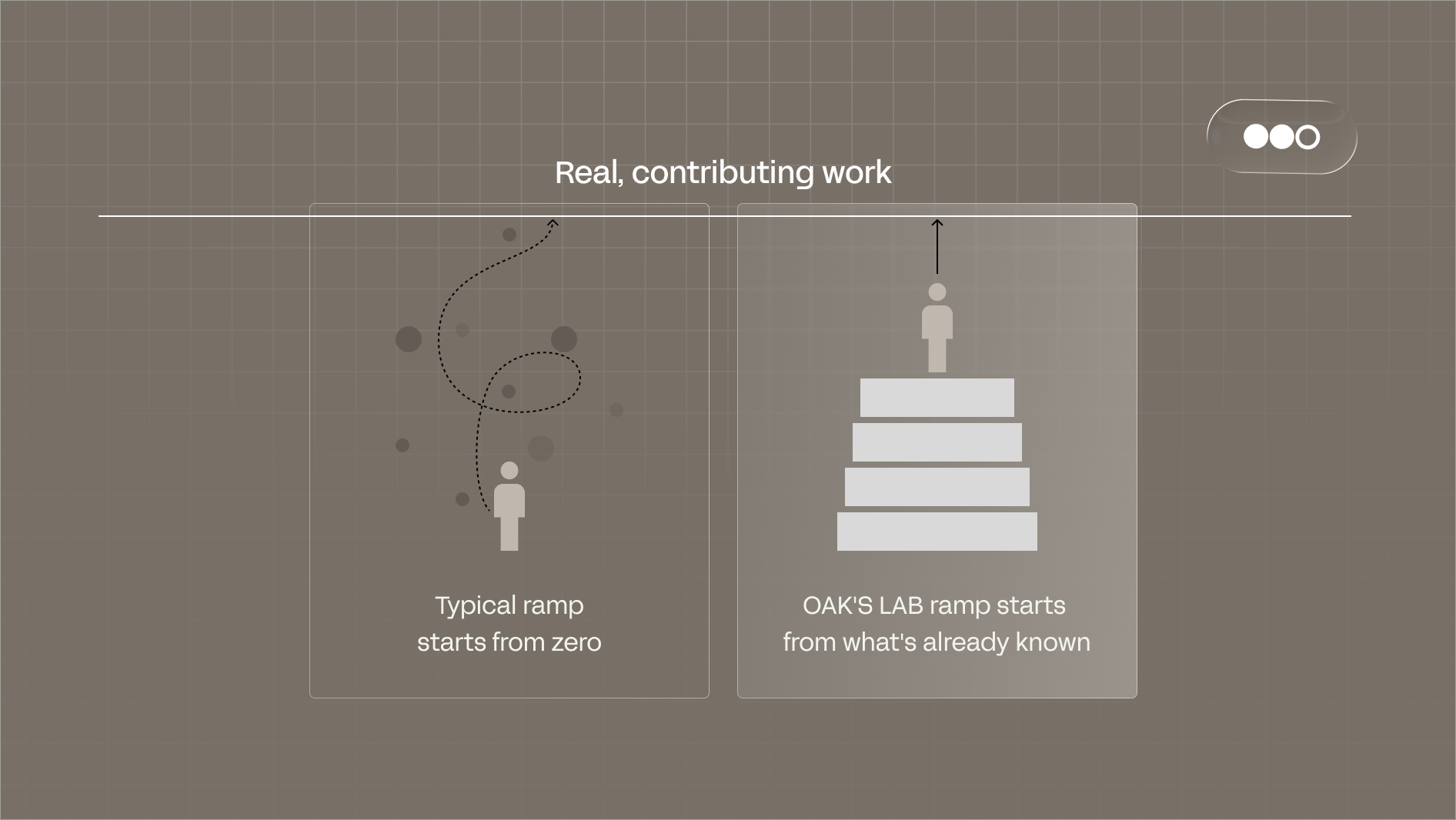
How Senior Engineers Ramp in Their First Week
Product Development
September 8, 2026
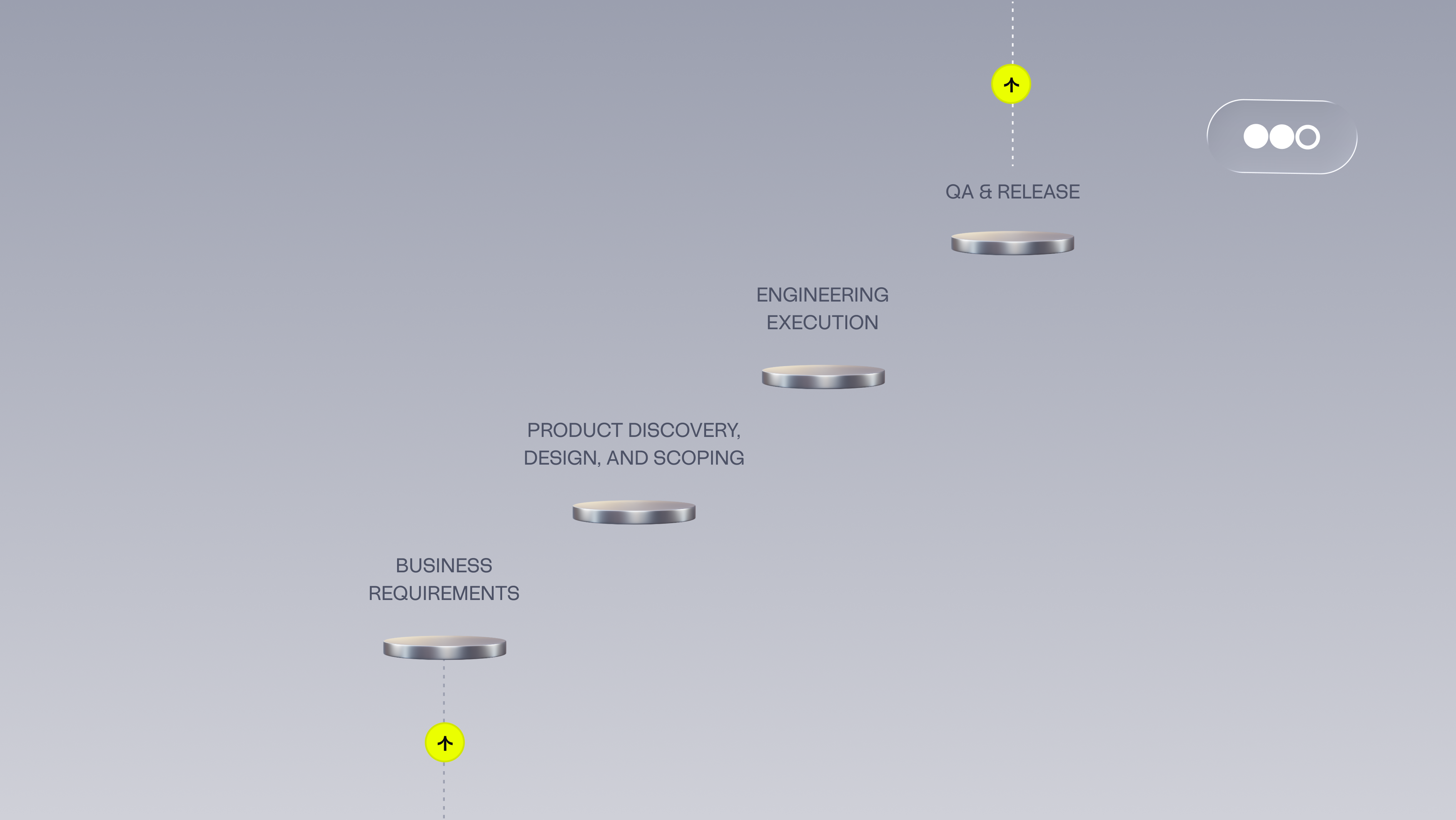
Why More Engineers Won't Fix Your Velocity Problem
Product Development
Technology
August 5, 2026

OAK'S LAB named a 2026 Clutch Global winner in threat intelligence and network security
Business
August 3, 2026

How to Find the Right Outsourcing Software Development Partner: A Framework for CTOs
Product Development
Technology
Business
July 15, 2026
What Actually Breaks as You Scale — And How We’ve Helped CTOs Fix It
Product Development
February 23, 2026
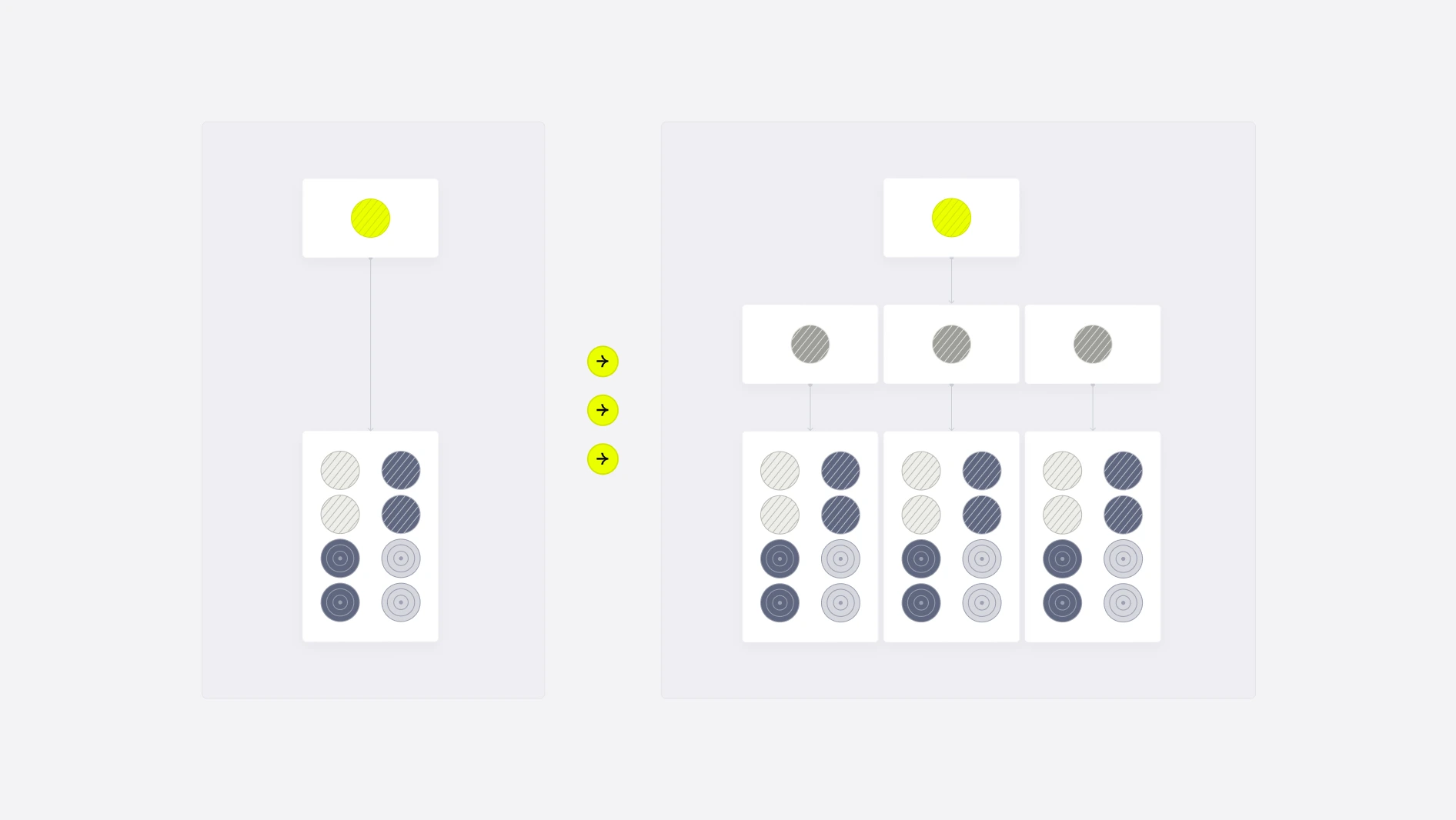
From Monoliths to Modular: How to Structure Engineering Teams as You Scale
Product Development
Business
Technology
July 23, 2025

A Practical Guide to Building Agentic AI Products
Technology
Product Development
January 9, 2025

Building AI-Powered Products Without ML Teams
Product Development
Technology
October 15, 2024

Behind the Innovation: Meet Lukáš
Culture
June 28, 2024

Planning the Perfect Offsite
Culture
June 13, 2024

Behind the Innovation: Meet Ugur
Product Development
Business
Technology
March 18, 2024

Building a Strong Company Culture: The Core Values That Drive Our Success
Culture
Business
February 29, 2024